Free Book Notes Template for Notion
Track characters, quotes, events, and timelines in one simple Notion database
Download this free Notion book notes template to track characters, quotes, events, and timelines. Perfect for complex books, fantasy series, and historical fiction. Works on all platforms with Notion.
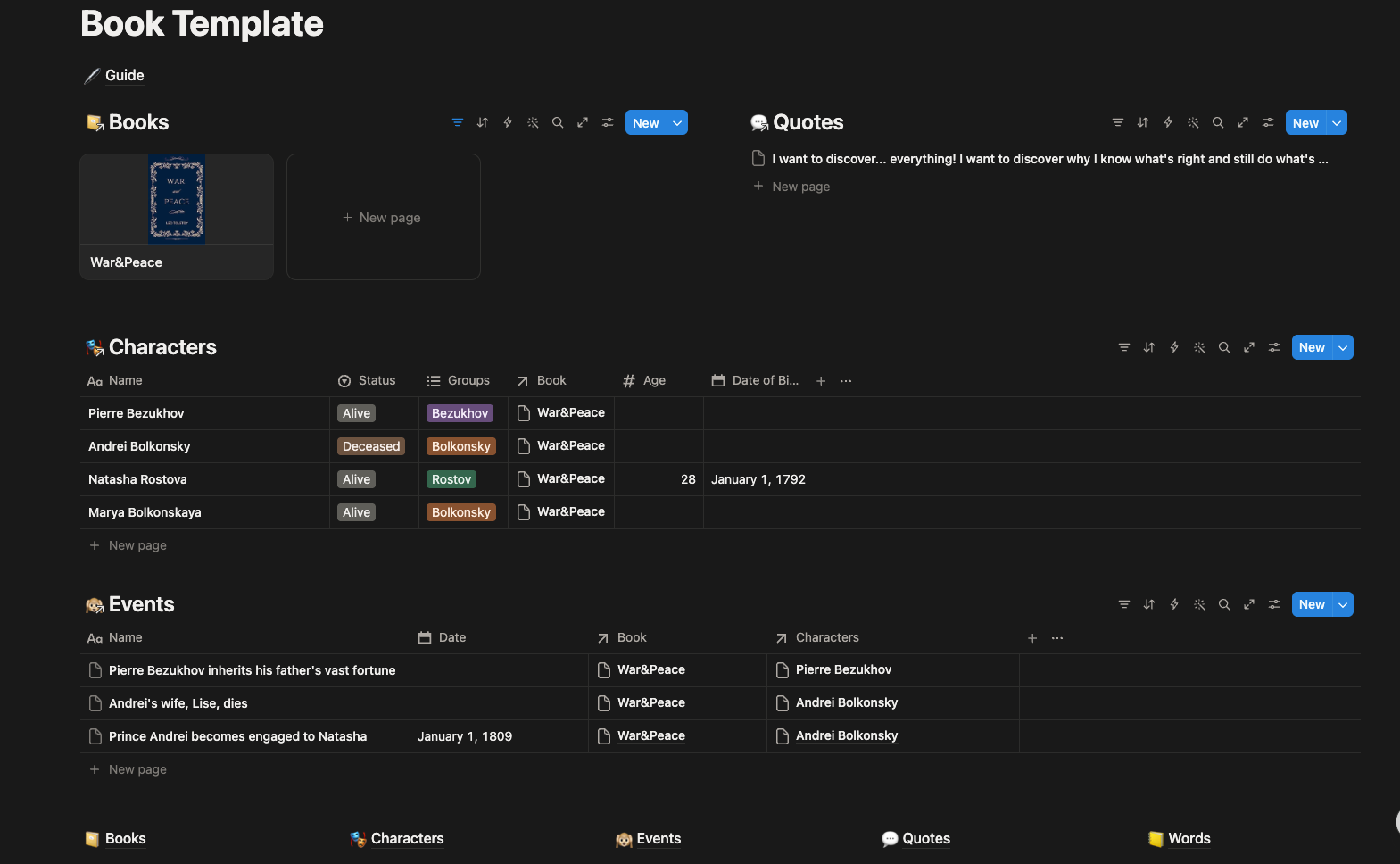
Powerful Features
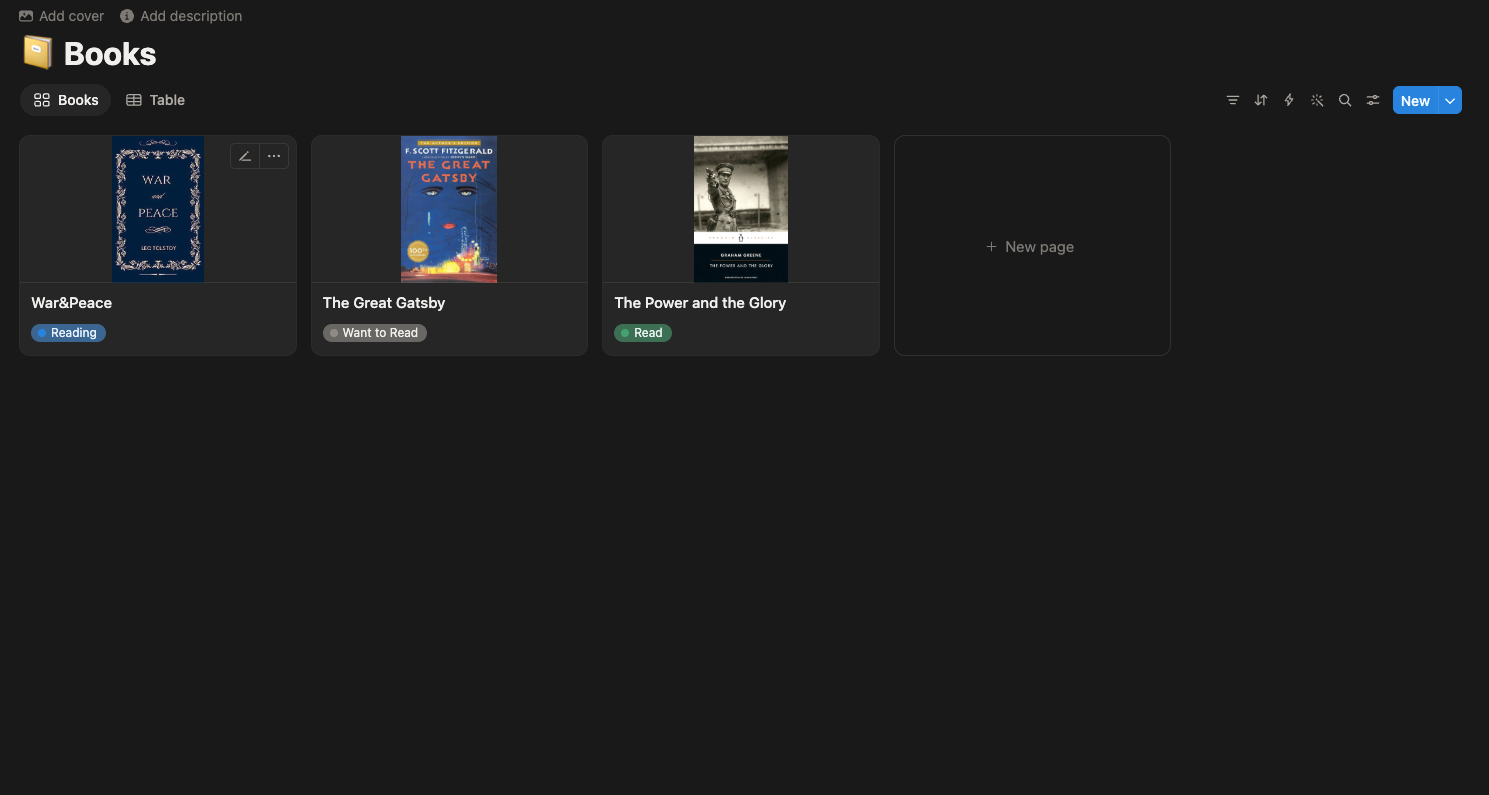
📚 Book Library
Keep a visual library of all your books — past, present, and future. Add covers, authors, genres, and reading status. Never forget what you've read or what's next.
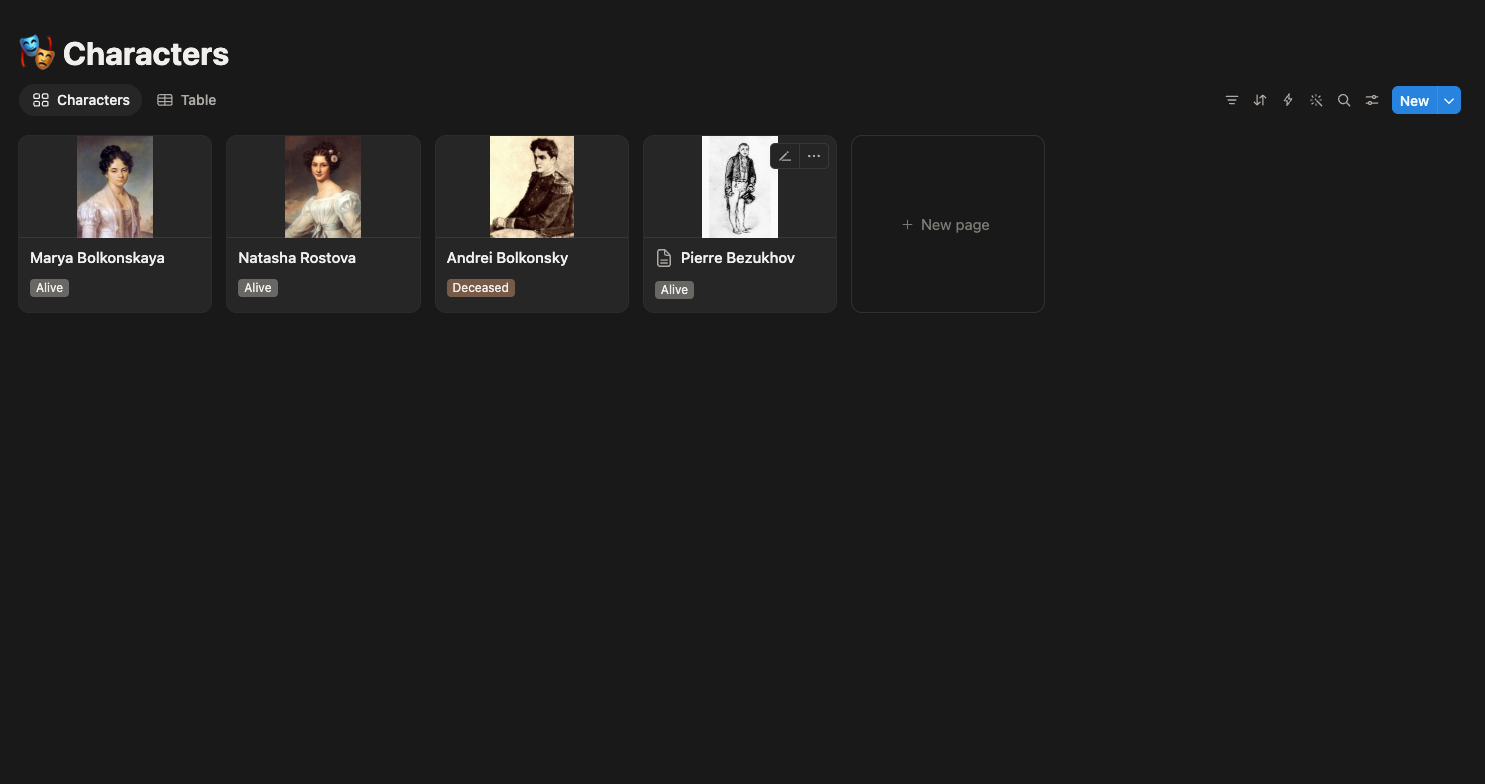
👥 Character Database
Log every character with their group, status (alive/deceased), and connections to other characters. Open any character profile to instantly remember who they are and why they matter.
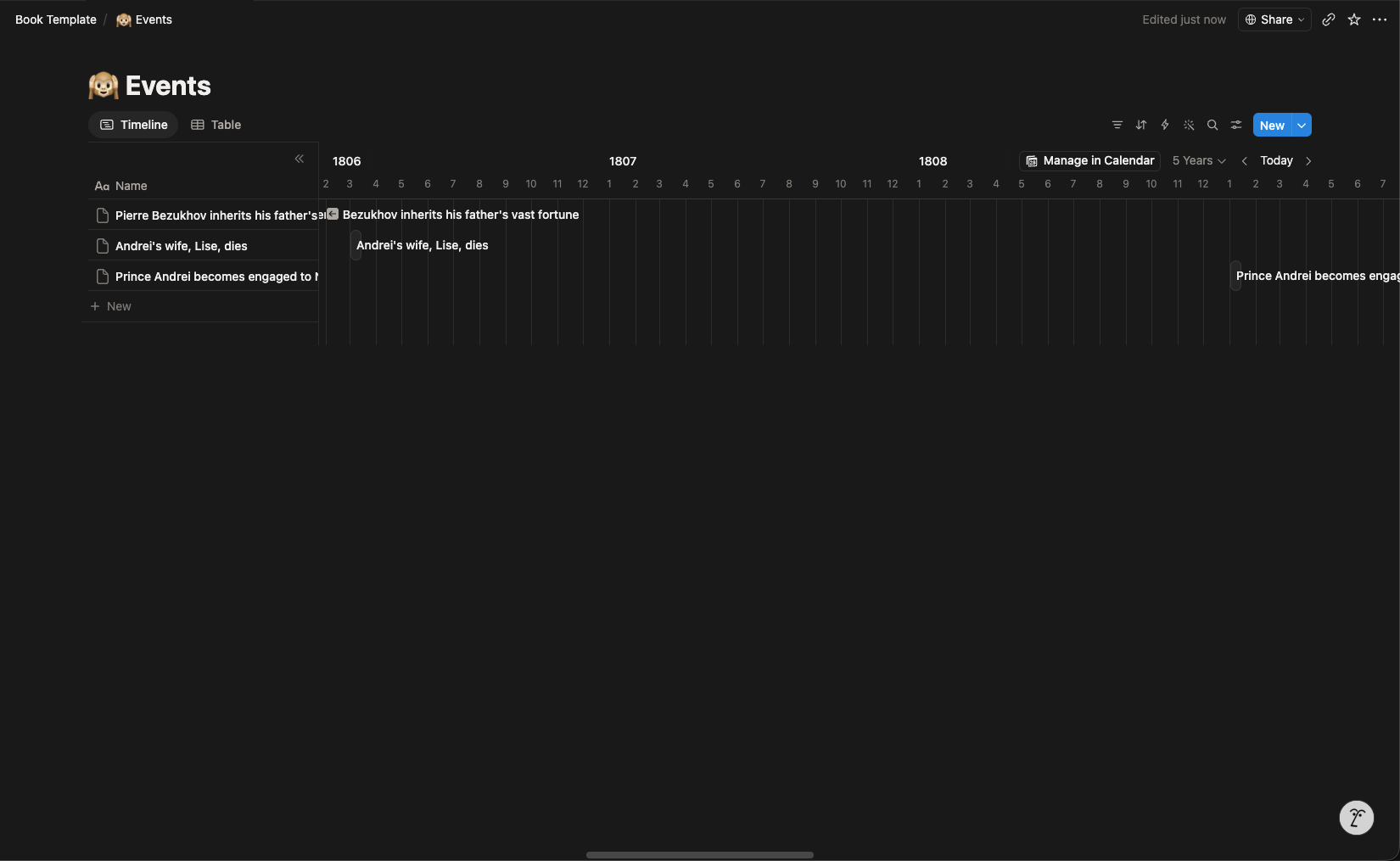
📅 Event Timeline
Track major events and see your book's entire chronology on a visual timeline. Understand how events connect and unfold — perfect for complex series like "Game of Thrones" or "The Twelve".
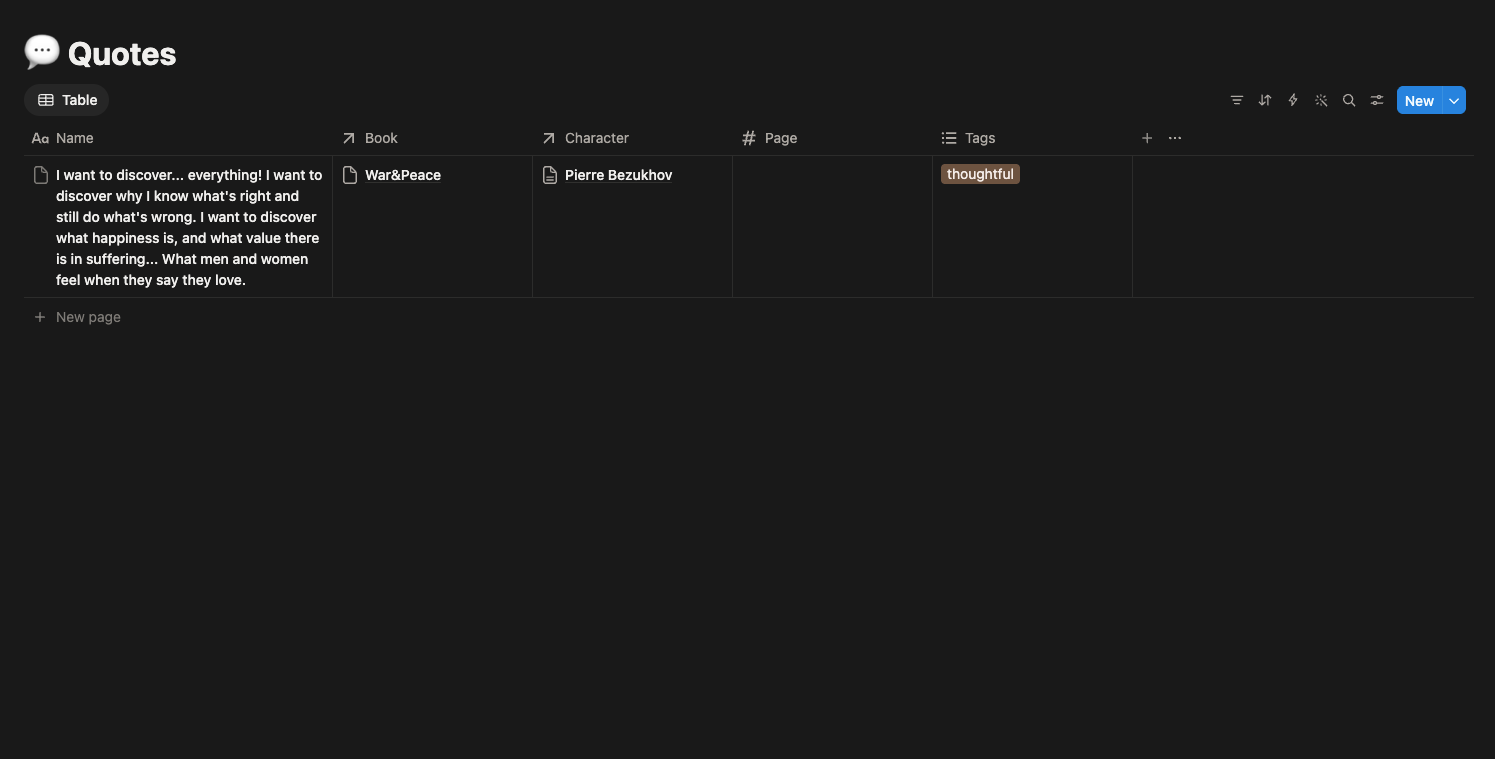
💬 Quotes & Words
Collect meaningful quotes and organize them by book, character, or mood. Also build your vocabulary with a built-in dictionary for unfamiliar or invented words.
FAQ
Can I use this template offline?
Notion requires an internet connection for syncing. However, the Notion mobile app works offline — changes sync when you reconnect.
How many books can I track?
Unlimited! Notion has no limit on database entries.
Can I share this template with friends?
Yes! Use the "Share" button in the top-right corner and send them the link. They can duplicate it to their own workspace.
How do I add a cover image?
Open the book page Hover over the Cover field Click "Upload" or "Paste a link" Paste a URL from Google Images
What's a "Relation" field?
It's a link between databases. For example, when you add a character, you link them to a book. Then on the book's page, you see ALL linked characters automatically.
Can I customize the template?
Absolutely! Add new fields, change views, create new databases. This template is a starting point — adapt it to your needs.
I have an idea for a new feature — can I add it?
Yes! Some ideas: "Reading Progress" field (pages read / total pages) "Rating" field (1-5 stars) "Read Dates" (start and finish dates) "Book Notes" field (overall thoughts after finishing) Add any field you like, any time.